The key takeaway
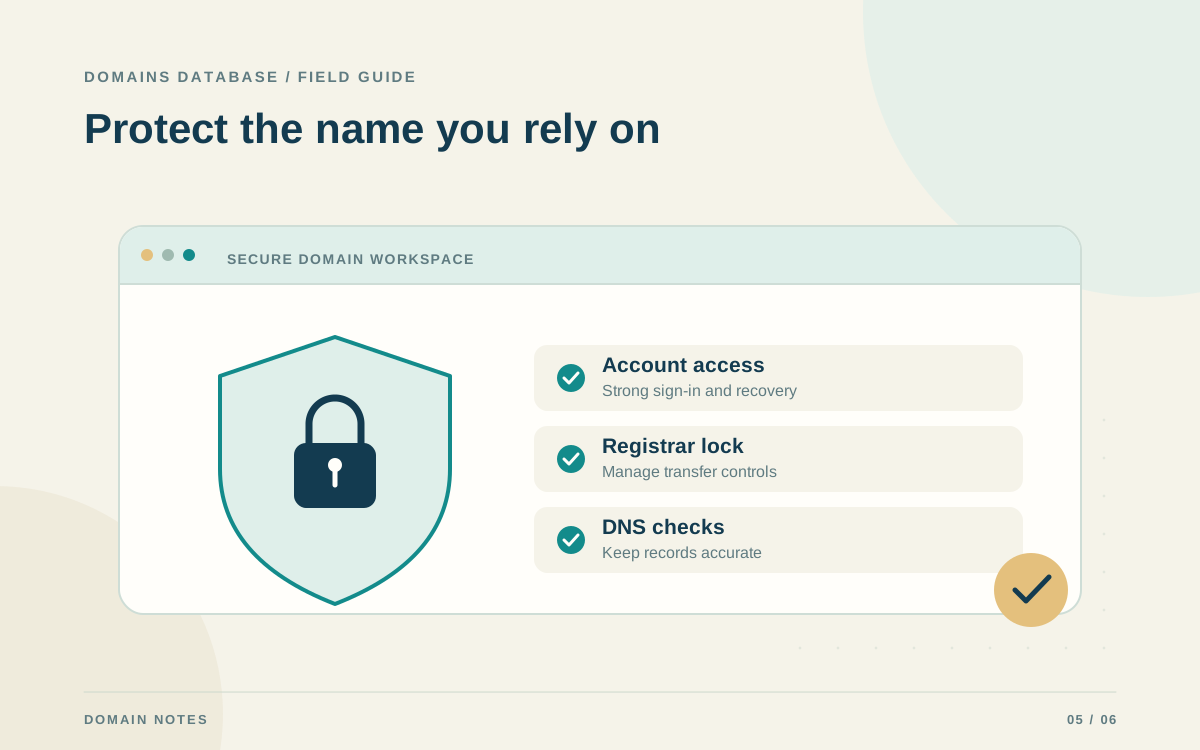
Protect the registrar account and its recovery inbox, document access, and use the security controls supported by your providers.
Map the accounts behind the domain
A domain connects several services, and protecting it requires knowing which account controls each one. The registrar manages the registration. A DNS provider may manage where the name points. Hosting and email providers run the services reached through those records. These roles can belong to one company or several, so draw a simple map before changing passwords or delegating administration.
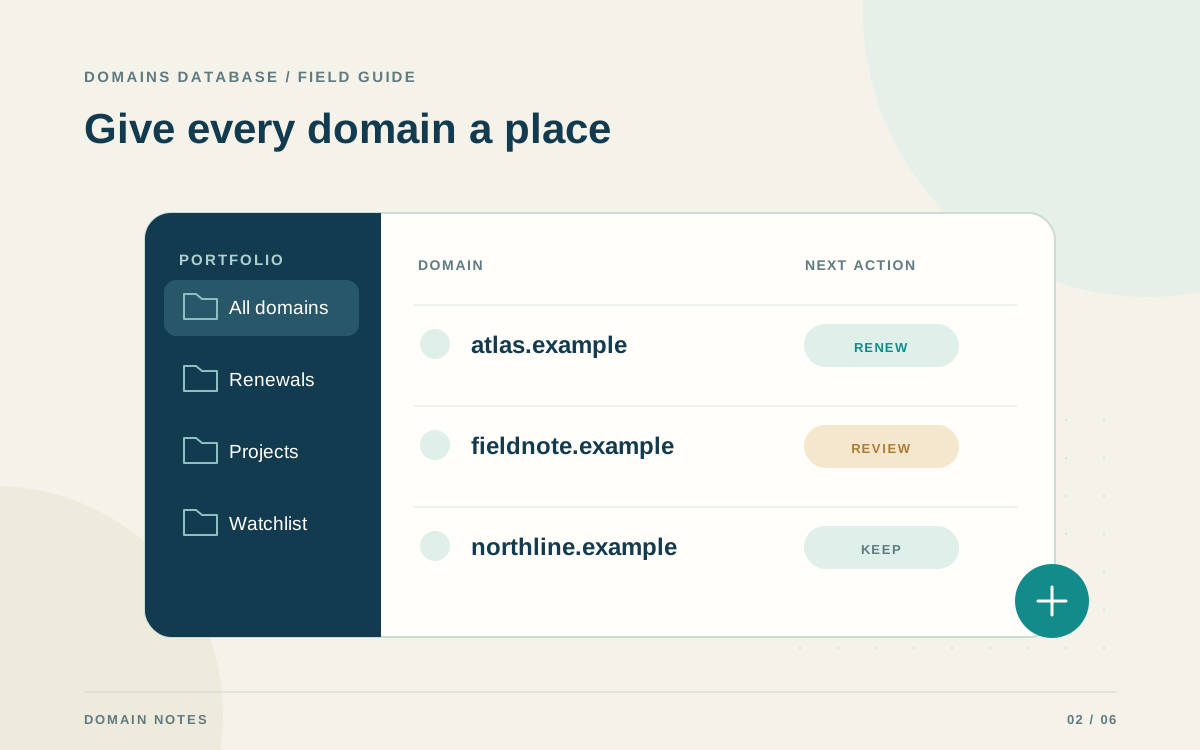
Record the accountable owner and official support route for each provider in a private operational record. Identify who can renew the domain, change nameservers, edit DNS, and recover the accounts. This makes a routine handoff easier and gives you somewhere to start during an incident. Keep credentials out of domain notes, public profiles, shared articles, and CSV exports.
Protect account access and recovery
Use a unique password for the registrar account and enable its supported multi-factor authentication. Secure the recovery email account as well. ICANN recommends keeping a registration contact email independent of the registered domain; this can preserve a recovery route when the domain's own email stops working. Maintain current contact information and monitor the inbox used for account notices.
Store recovery codes according to the provider's instructions in an appropriate private location, and document how an authorized person can use the recovery process if the main administrator is unavailable. When a provider offers separate team access, use that mechanism instead of circulating one shared password. Review access when contractors or employees finish their work, and remove permissions they no longer need.
Use transfer controls with a clear change process
Ask the registrar which transfer-lock and other protection options it supports. A transfer lock adds a control against an unauthorized transfer, but the exact implementation varies. Understand what the lock blocks and how it is removed. It is one layer of protection, and account access still needs attention because an attacker with sufficient privileges may be able to change settings.
For a planned transfer, confirm the destination, responsible person, provider instructions, and any applicable restrictions before temporarily changing protection settings. Treat authorization codes as sensitive. After the transfer finishes, confirm the resulting registration and available security settings. Keep a short record of the completed action so a later warning or notice can be compared with an authorized change.
Manage DNS changes carefully
A nameserver or DNS-record change can affect website traffic, email delivery, and service verification. Capture the existing configuration, document the intended change, and involve the people responsible for affected services. Avoid editing records you do not understand simply because they look old. A seemingly unused TXT or MX record may support an integration or mail configuration that is still important.
DNSSEC adds cryptographic authentication to DNS data so validating resolvers can detect forged responses. It does not encrypt website traffic or replace account protection. Follow the DNS provider and registrar's instructions when enabling it or changing DNS providers; the chain of trust must remain consistent. When uncertain, arrange the change with the providers instead of guessing at signature or delegation settings.
Recognize renewal and account phishing attempts
Domain owners can receive convincing messages that imitate a registrar, demand an urgent payment, or request credentials. ICANN's security guidance highlights these renewal and phishing scams. When a message asks you to act, open the registrar through a known bookmark or its official address and review the account there. Compare the domain, registrar, and expiration date with your existing records.
Unexpected urgency is a reason to investigate, not a reason to skip your normal process. Ask the official support channel about unfamiliar invoices or account changes. Also watch for misleading offers to register another extension: read exactly what is being sold and whether it is related to the domain you already control. A legitimate-looking logo does not establish the sender's authority.
- Open account notices through the provider's known website.
- Check the address, domain, and requested action carefully.
- Report unfamiliar changes through official support.
- Keep payment details and account secrets out of replies.
Prepare an incident plan before you need it
Write a short response plan naming the registrar, DNS provider, recovery contact, and person responsible for escalation. Preserve registration receipts and relevant change records securely. If you suspect unauthorized access or a transfer, contact the registrar promptly through its official channel. Describe the unexpected changes and preserve the messages or timestamps that may help support investigate.
Use the provider's recovery instructions to secure the account and review affected services. Reassess access, recovery information, DNS settings, and renewal details after the incident is resolved. Keep your inventory updated so another authorized administrator can find the domain and provider quickly. A practiced, simple process is easier to use under pressure than undocumented knowledge held by one person.