The key takeaway
Expiration is a process with provider-specific details. Act promptly on your own names and investigate a candidate's history before using it.
What does it mean when a domain expires?
A domain expires when its paid registration term ends without a completed renewal. That does not necessarily mean anyone can immediately register it. A registrar may have post-expiration procedures, and a registry may apply additional lifecycle stages. The path depends on the extension, provider, and current status. Always distinguish an expiration date from an actual availability result.
The website may disappear, show a parking page, or stop working while the domain remains in an expired or recovery state. Email can also be affected. If the name supports an active business, do not wait for a visible outage to investigate. Review the registrar account directly and read the provider's documented renewal and restoration process for that particular name.
Understand the lifecycle without assuming one timeline
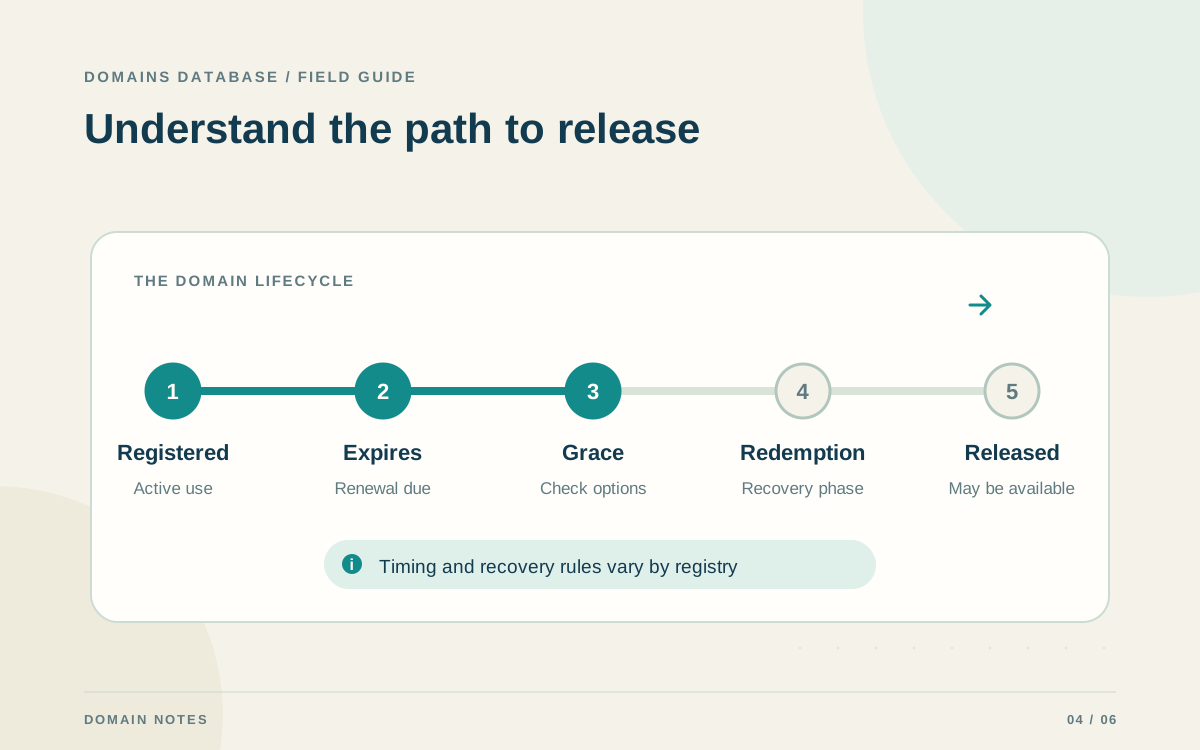
ICANN's Expired Registration Recovery Policy establishes renewal and restoration requirements for generic top-level domains. Its registrant summary describes a 30-day Redemption Grace Period following deletion and notes that a registrar may offer an earlier Auto Renew Grace Period. Those stages are different: expiration, deletion, and public availability are not interchangeable events.
Do not apply a generic timeline to every extension or auction listing. Country-code registries can have their own rules, and registrar terms affect what happens before deletion. An auction or backorder can also have conditions that differ from a normal new registration. Confirm the current status and provider terms rather than calculating a guaranteed release date from the expiration date alone.
If your own domain expired, contact the registrar promptly
Start with the registrar that currently holds the registration. Sign in using its known website, inspect the domain status, and look for its renewal or restoration instructions. If access is unavailable, use the registrar's official support channel. Explain the domain, the account you used, and when you noticed the problem. Keep receipts and previous registration records available for the support process.
Ask which recovery options remain, what the relevant deadlines are, and whether additional restoration charges apply. Do not assume that buying a hosting plan, editing DNS, or paying an unfamiliar emailed invoice will recover the domain. Once the registration is restored, confirm the website and email setup with the appropriate provider, then correct the payment or contact issue that caused the lapse.
Research a previously used name before acquiring it
When evaluating an expired candidate, begin with the name's suitability for your actual project. Then review archived pages, visible search results, and the current registration status. Look for unexplained changes in subject matter, misleading pages, malware warnings, or associations that could confuse your audience. Keep dated notes, because search results and archived snapshots offer partial views of the history.
Treat backlinks and third-party quality scores as research prompts rather than proof of a healthy domain. Examine the context of important links and whether they make sense for the proposed website. Also clarify what an acquisition includes. Control of a registration does not automatically include the previous site's text, images, accounts, or brand identity. Build the new project around materials you can use.
- Confirm the current status and acquisition conditions.
- Review past content and major changes in purpose.
- Investigate reputation concerns before proceeding.
- Separate the domain from any additional assets offered.
Avoid treating an expired domain as an SEO shortcut
A previously registered name does not guarantee search visibility for a new website. Google defines expired domain abuse as repurposing an expired name primarily to manipulate rankings with content offering little value. Evaluate the intended site on its own merits: who needs it, what questions will it answer, and why will those answers be useful?
If you use an older name for a legitimate project, create accurate pages with a clear identity and purpose. Do not imitate the former organization or publish unrelated material solely to exploit old links. Historical signals and third-party scores cannot replace original content, clear navigation, or a functioning service. A good acquisition decision should still make sense without a promise of inherited rankings.
Prevent the next missed renewal
After registering or recovering a name, record its actual registrar, owner, expiration date, and renewal terms. Set a review routine and confirm the registrar's auto-renew setting and payment details. Keep renewal messages flowing to an active inbox that the responsible person monitors. An administrative process is particularly important when the domain supports other accounts or a shared business identity.
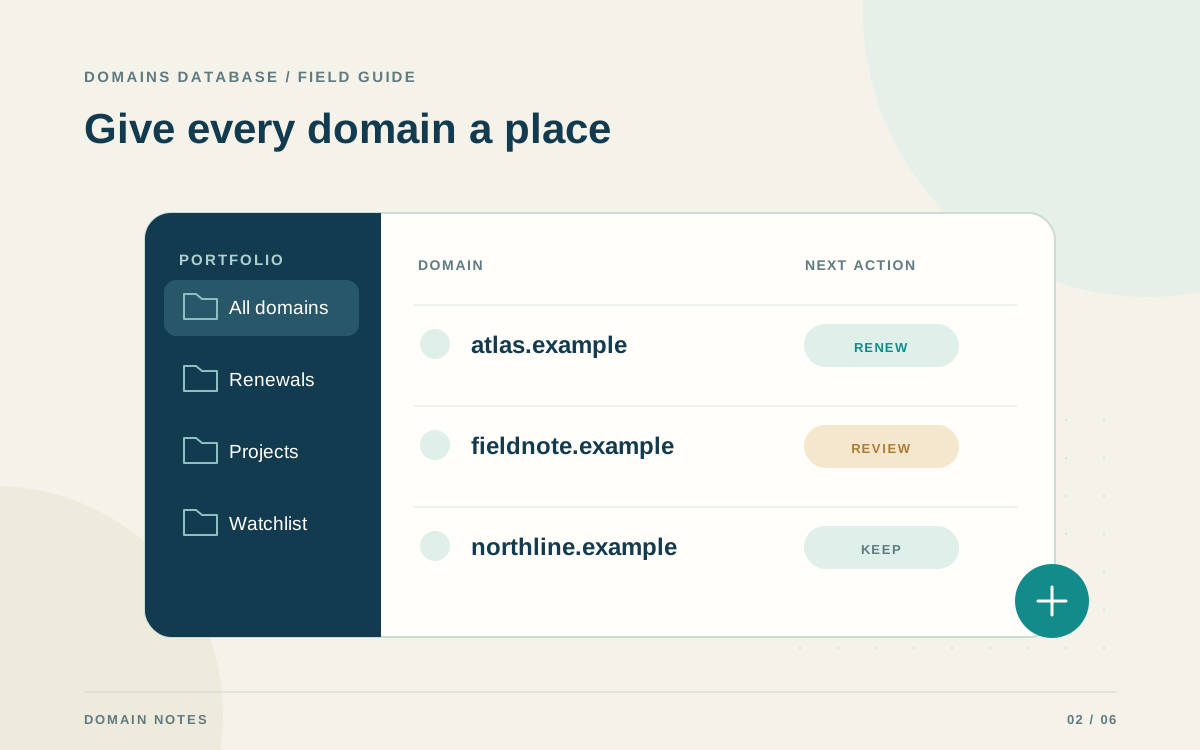
Domains Database can organize those fields and provide a portable CSV inventory. Keep the registrar account as the source for actual renewal actions and status. If you decide to retire a name, first remove email, account recovery, and service dependencies. Deliberate retirement is easier to manage than an accidental lapse followed by an urgent attempt to recover a still-needed address.