The key takeaway
Treat the inventory as a working record and the registrar as the authority for registration, billing, and renewal settings.
Build one working inventory for every domain
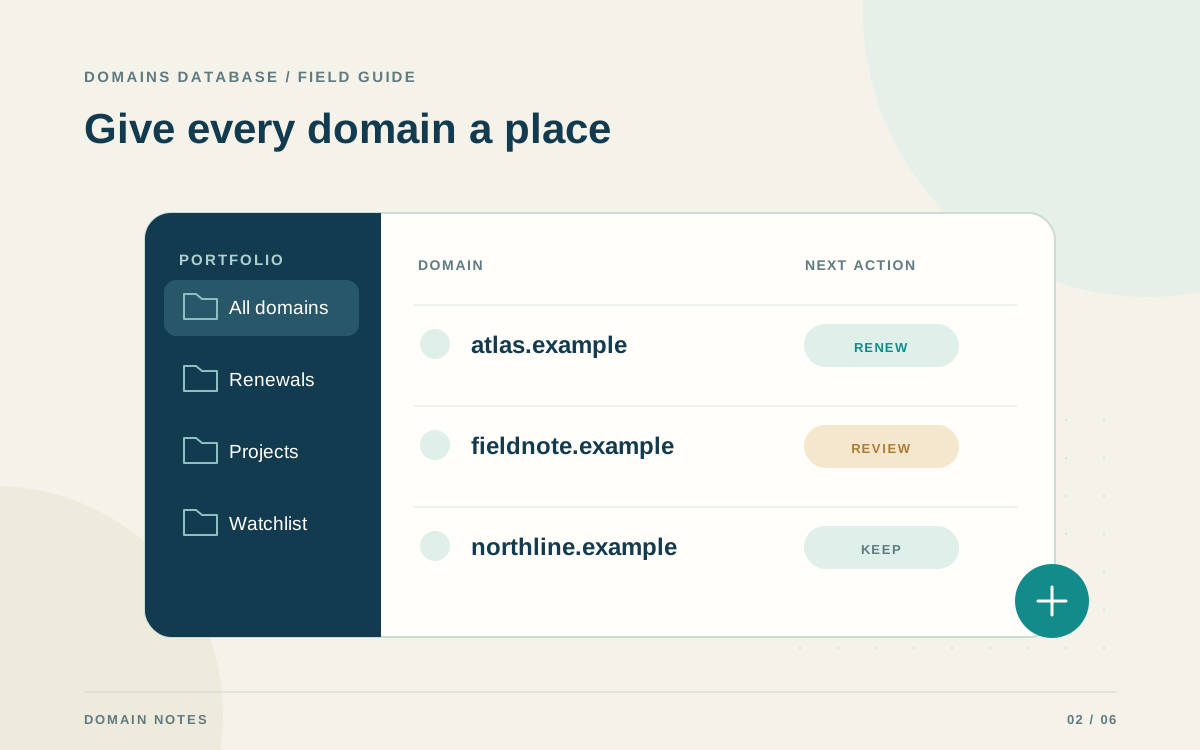
Domain portfolio management starts with knowing which names you control and why you keep them. A portfolio can become fragmented across old spreadsheets, registrar accounts, and team members. Gather the domains into one working inventory before deciding what to renew, transfer, develop, or retire. Include inactive names: a domain with no visible website may still support email, redirects, or account recovery.
Use one row for each registered domain and a consistent spelling format. Record the registrar, accountable owner, expiration date, renewal cost, and intended use. Where a name appears in several exports, reconcile the duplicate instead of assuming there are two registrations. The goal is a record that another authorized person can understand without searching through old conversations.
- Identify the person responsible for each registration.
- Record whether the name serves a site, email, redirect, or future project.
- Keep passwords and API keys outside the inventory and its exports.
Reconcile the inventory with your registrar accounts
Your inventory is useful only when its important fields reflect current registrar records. Review each registrar account and compare the domain list, expiration dates, and renewal settings. Note differences and resolve them at the source. A domain recently transferred to another registrar can otherwise remain attached to the old account in a spreadsheet long after the move.
Domains Database supports manual records, CSV imports, and supported registrar connections to assemble a local inventory. Review imported records and confirm actual ownership before including them. The app's date-based status labels help organize attention, but they do not prove registration status. Check the registrar for billing changes or a renewal that has not yet appeared in your working record.
Review renewals before they become urgent
Choose a recurring review time that fits your portfolio size. During each review, look ahead far enough to make decisions, update payment details, and involve the appropriate owner. A monthly review may be enough for a small set of names; a business with critical domains may need a tighter operational routine. The important feature is a named person completing it consistently.
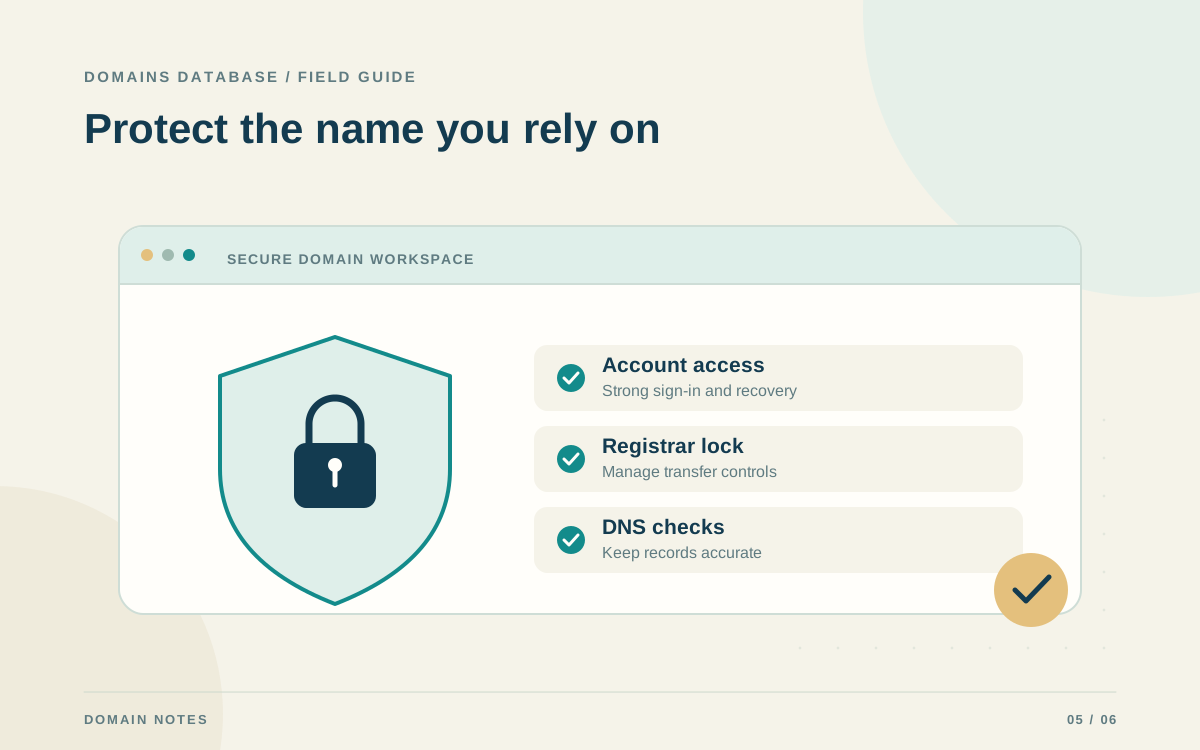
Auto-renew can help, but confirm that it is enabled at the registrar and that the payment method remains valid. Editing an auto-renew preference in Domains Database changes the inventory record only. ICANN's renewal guidance also emphasizes keeping registrant contact information current so notices reach you. Do not rely on one reminder email or one screen as the entire renewal process.
Give every retained name a reason
At renewal time, ask what the domain does today and what credible plan exists for it next. Useful categories include an active service, a redirect, a deliberate brand protection choice, and a project with an owner and timeline. If a name has no purpose, record that observation instead of carrying forward an old assumption that it will eventually become useful.
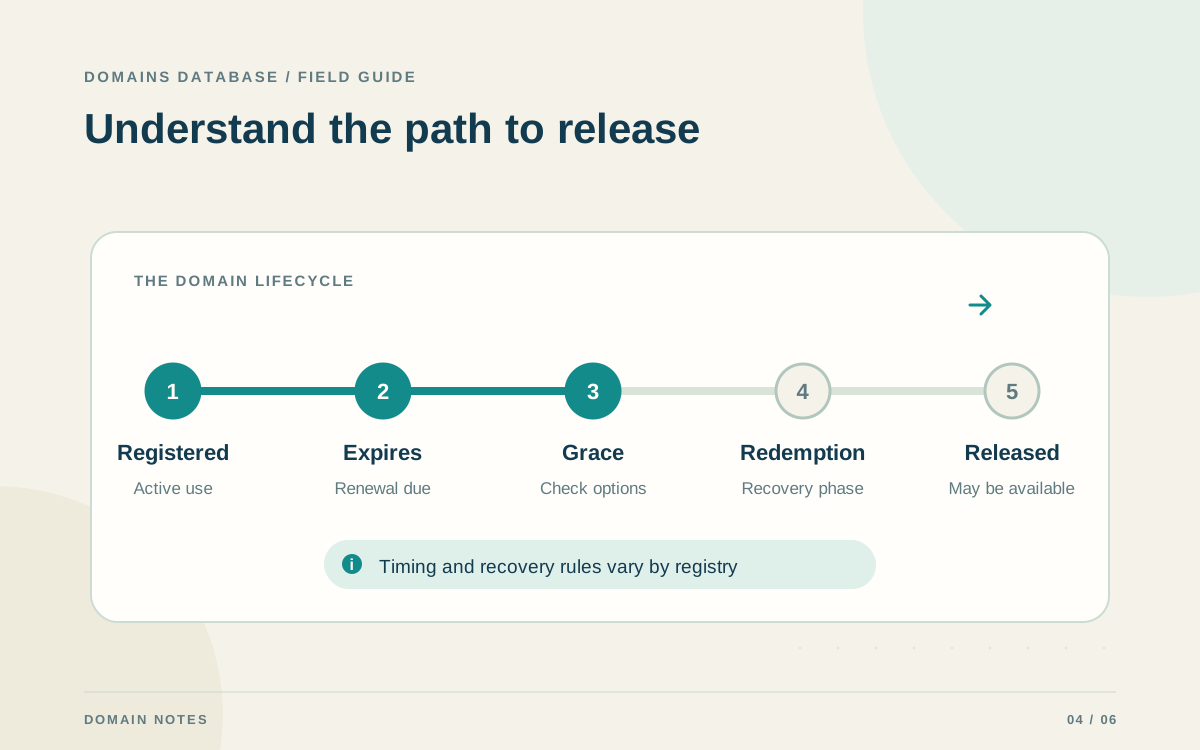
Before retiring a domain, check dependencies carefully. Look for email addresses, sign-in recovery messages, printed materials, software integrations, and redirects. For example, a closed campaign website may still receive customer emails or be listed on packaging. Assign someone to remove or replace those dependencies before deciding that a domain can safely be allowed to expire.
Document changes and team handoffs
Make ownership and change history easy to follow. When the responsible person changes, update the inventory and the relevant registrar access or recovery settings. A company domain should not depend on the personal inbox of someone who left the team. Document the support route and account identifier in an appropriate private operational record without copying secrets into a shared domain list.
Schedule major registrar or DNS changes separately from routine inventory cleanup. Capture the current setup, identify services using the domain, and agree on the desired result before making changes. Afterward, update the inventory with the actual registrar and dates. This avoids a common mistake: marking a planned transfer as complete before the registrar has completed it.
Keep a portable backup and a compact review checklist
Export the inventory after significant changes and keep a dated copy in a suitable private location. Domains Database stores its inventory in the current browser or device, so clearing browser data or moving to another device is a reason to prepare a backup. A CSV preserves the working records; it does not replace registrar account access or renew the names in it.
End each review with a short checklist: names reconciled, upcoming renewals assigned, payment and contact details checked, unused domains reviewed, and a backup exported. Record unresolved items with an owner and next step. This small routine is easier to maintain than a complex process nobody follows, and it makes your portfolio more understandable as the number of domains grows.