The key takeaway
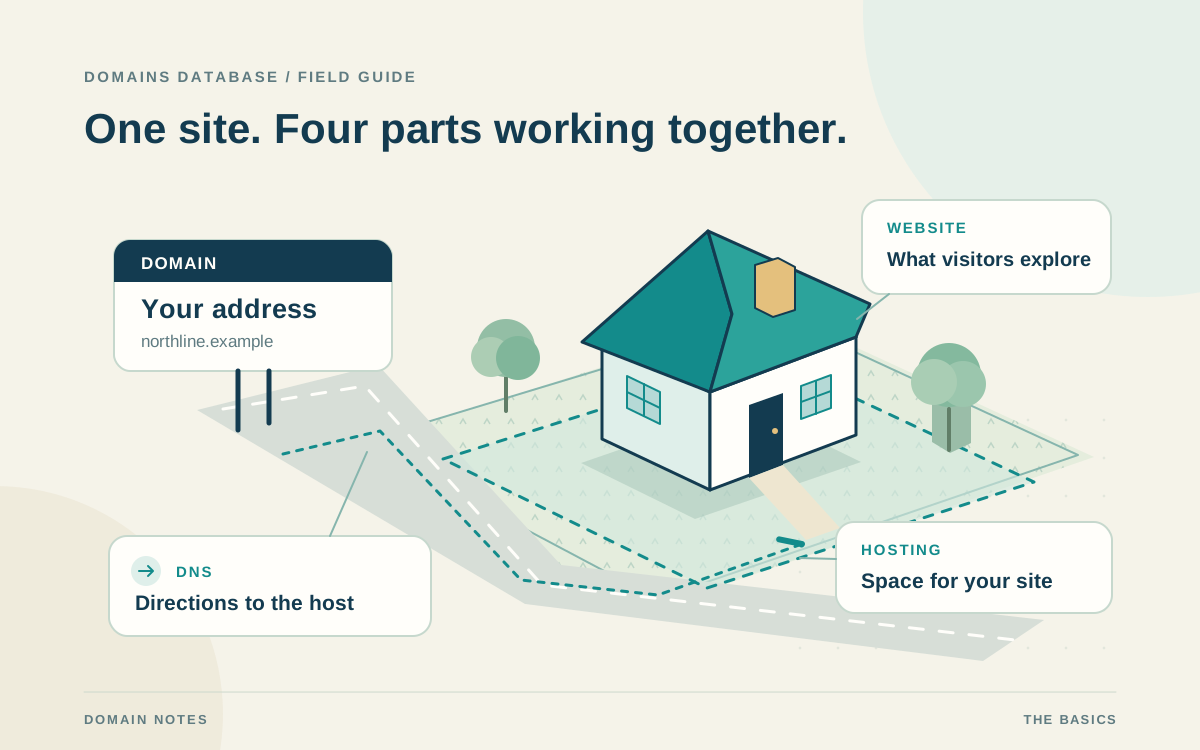
A domain names the destination, hosting supplies the infrastructure, the website delivers the experience, and DNS connects the address to its services.
Imagine a website as a house in a neighborhood
Think of a domain name as a street address, hosting as the rented plot or space where a house stands, and the website as the house itself. Visitors use the address to find the destination, but the address does not contain the building. The rooms, furniture, and activities inside resemble your site's pages, images, content, forms, and other features.
DNS is the address directory or map that connects the name to the right destination. This is an analogy, not literal land ownership: hosting supplies actual computing infrastructure, storage, and network resources. A site may run across multiple servers. The comparison helps explain why registering an address, arranging hosting, and building the experience are separate jobs.
Domain vs hosting vs website: the three main parts
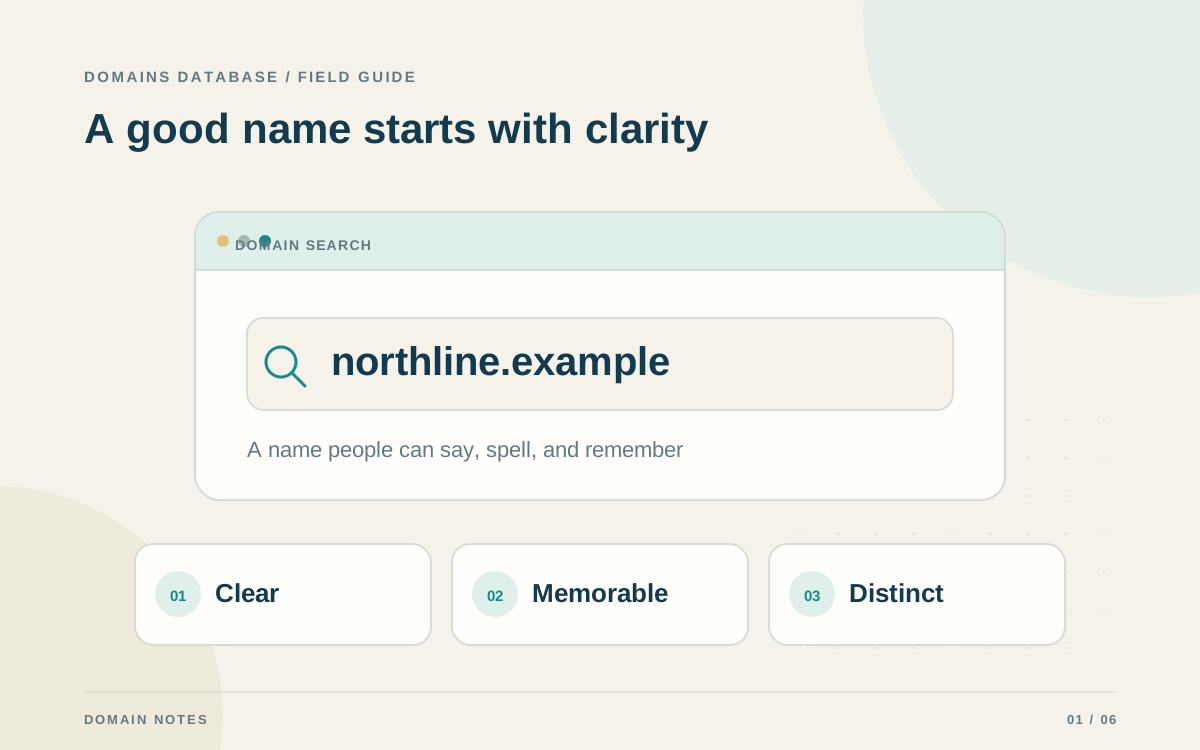
A domain is a readable name such as example.com. You register the right to use an available name through a registrar and maintain that registration under its terms. Registration alone does not create a website. You can also use a domain for services such as email, or keep it registered while you prepare a future project.
Hosting makes your site's files and, when needed, application services available online. The website is the content and functionality visitors receive: a home page, product catalog, booking form, or blog. A website builder helps you create that experience and may include hosting. A registrar may sell all three, but these remain distinct services even when one company bundles them.
Domain and URL: word origins and address anatomy
The English word domain traces through Middle English demayne and Anglo-French demeine to Latin dominium, meaning ownership or rule. Its older sense of a territory helps explain the computing term: in DNS, a domain is a named part of a hierarchy, including the names beneath it. This does not turn registration into land ownership; the right to use a registered name still depends on its registration terms.
URL expands to Uniform Resource Locator. It identifies a resource by describing its access mechanism and location. For a typical web address, the domain name is only one part of the URL; the address can also include a scheme, path, query, and fragment. A hostname may include a subdomain as well as the registered domain.
Read https://shop.example.com/guides?topic=dns#intro from left to right: https is the scheme, shop.example.com is the host, /guides is the path, topic=dns is the query, and intro is the fragment. Here, example.com is the registered domain, shop is a subdomain label, and com is the top-level domain. The fragment can identify a section within the resource rather than a separate domain.
Words & Web Addresses
A Word With Roots In Ownership
Before it named a place on the web, “domain” described land or an area under someone's control.
- LatindominiumRule or ownership
- Anglo-FrenchdemeineLand one owns
- EnglishdomainA named area
Word roots, simplified
A Domain Is Part Of A URL
https://shop.example.com/guides?topic=dns#introhttps://Scheme + Separatorshop.SubdomainexampleSecond-Level Label.comTop-Level Domain/guidesPath?topic=dnsQuery#introFragmentHow DNS connects the address to the destination
When someone opens a domain in a browser, DNS helps resolve the readable name to information used to reach the service. The browser can then request the website from its hosting infrastructure. DNS does not store your home page or write your articles; it helps clients find the services associated with the name.
Different records can support different destinations. Your main website, a subdomain, and domain email may use separate providers. Nameserver settings identify the authoritative DNS service for the domain, while records within that service describe particular destinations and related configuration. Keep track of both before making changes, especially if the provider hosting your site also manages its DNS.
A practical example: publishing your first website
Imagine a fictional workshop called North Grove launching a site with service descriptions, photographs, and a contact form. The team first chooses a name and checks availability at a registrar. It then chooses hosting or a builder that supports the required pages and form, creates the content, and connects its registered domain using the hosting provider's instructions.
The team records which account controls each part and who maintains it. Before announcing the address, the owner should confirm the public pages, HTTPS setup, contact form, and any email service work as intended. An available domain is a starting point; a useful, functioning website requires the remaining pieces too.
- Register the chosen name and save its renewal details.
- Arrange hosting and create the website's content and features.
- Connect the domain using the provider's specific DNS instructions.
- Confirm the website and connected services before sharing the address.
Do you need your own domain and hosting?
A public website needs infrastructure serving its content, but you do not always need to register your own domain. A platform may offer a site under its own subdomain, such as yourproject.platform.example in this fictional example. Hosting is still involved; the platform provides it and controls the parent domain.
Your own registered name gives you an address you can connect to compatible services you choose. A platform address can be useful when starting, but its availability and use depend on the platform's rules. Review custom-domain support, export options, and account ownership before building a project you expect to maintain for years.
Can you move hosting and keep the same domain?
Yes. You can generally keep the domain registration while moving the website to compatible hosting. Prepare the site on the new provider, plan the necessary DNS changes, and follow both providers' migration instructions. Changing where a website runs does not inherently require changing its public name or transferring its registration to another registrar.
Preserve email and other service records during the move. Replacing nameservers without recreating needed records can disrupt services beyond the website. DNS caches can temporarily retain older information, so allow for that transition and keep the previous service available for the planned handover. Document which provider controls DNS after the move.
Track renewals and account ownership separately
Domain registration, hosting, a builder subscription, and email may have separate renewal dates and billing arrangements. Paying for hosting does not necessarily renew the domain, and renewing the domain does not preserve a canceled hosting service. Even a bundled account deserves a review of which services and dates it includes.
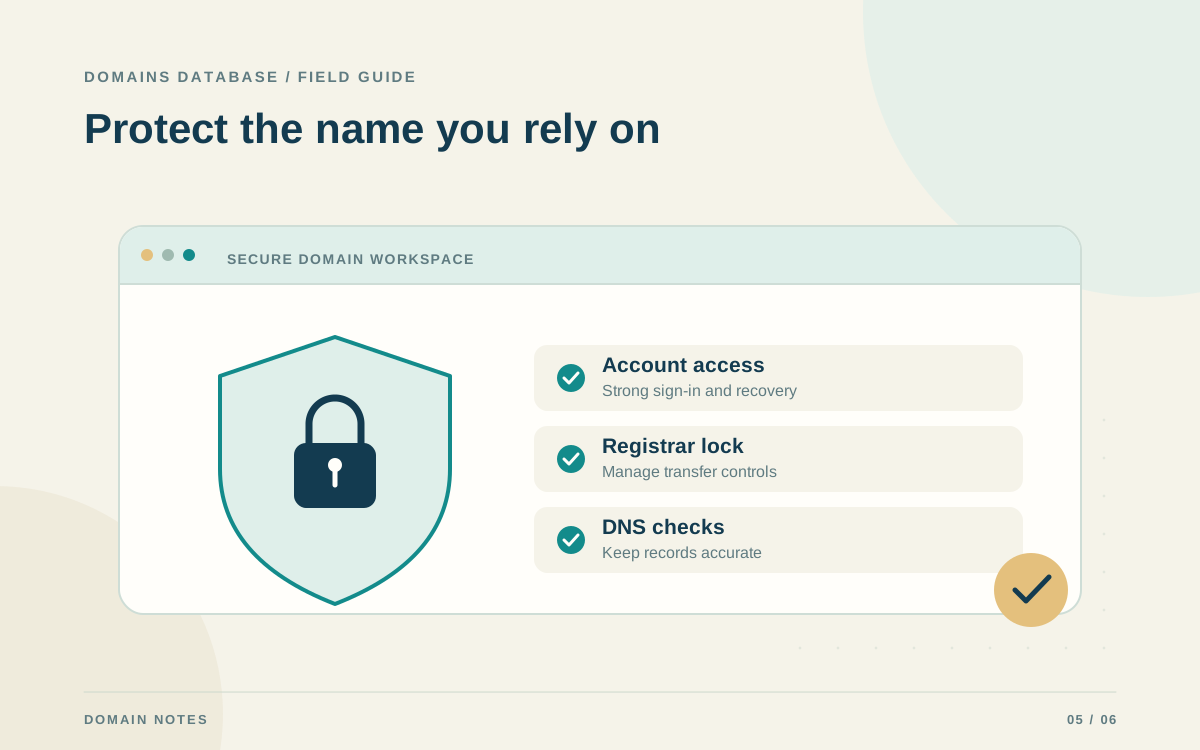
Keep registrar and service-provider access secure, assign an accountable owner, and maintain backups of your website where appropriate. Domains Database can organize domain names, registrars, owners, renewal dates, and yearly costs. Confirm registration and renewal actions at the registrar, and maintain the hosting, website, DNS, and email details in their respective provider accounts.